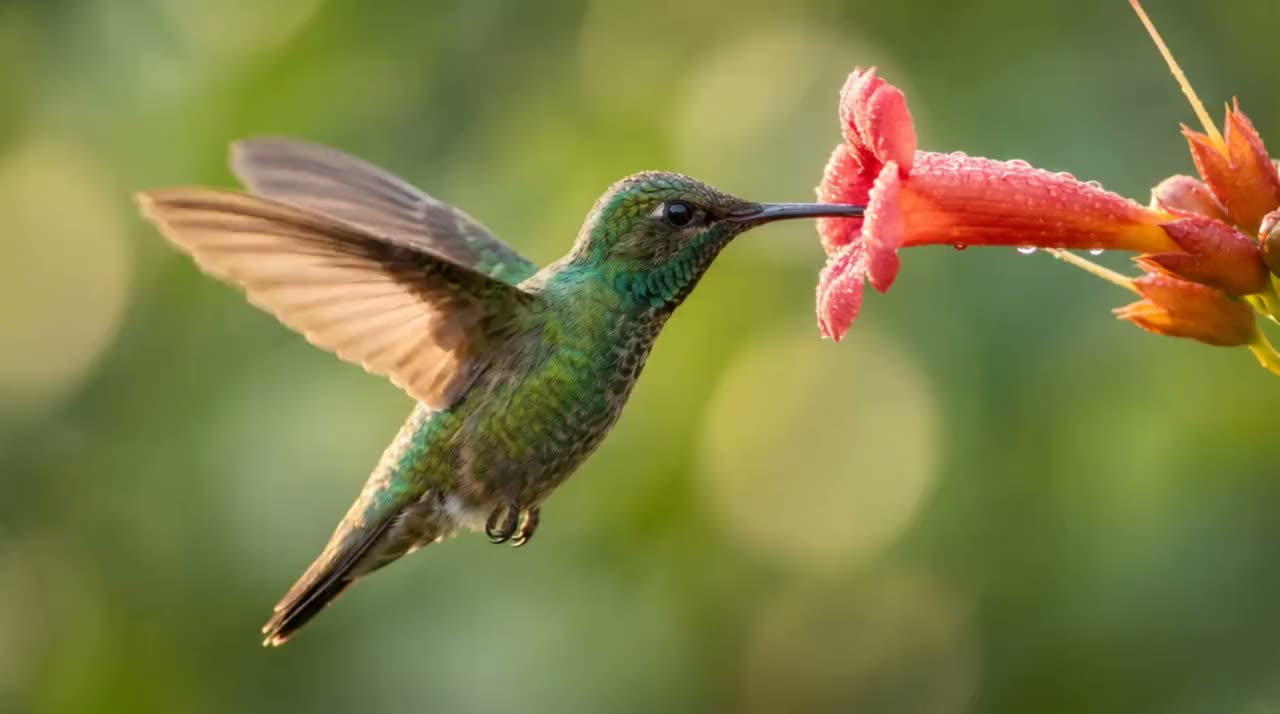
A tiny hummingbird hovers at a bright red flower, slow motion, warm morning light
Make anything with Luma
Say what you want: the workflow picks the tool and settings and makes it.
Claude Code command: /luma:generate


Connect Luma to Claude
Add Luma once and sign in to your Luma account. It takes under a minute.
Start the workflow
In Claude, ask for it in plain words or press Try in Claude to open a chat with the prompt already in it. In Claude Code with the Luma plugin, type /luma:talking-ad.
Get the result
Claude makes it right away with your Luma credits, at the same prices as on luma.ai, and shows you the result in the chat. Your balance is on your Luma account page.
Best in Claude Code: these workflows join the clips into one file with ffmpeg on your computer. Where Claude has no shell, as in the Claude web or phone app, you get the clips in order with a suggested edit.
Only what you may use
Your own face or someone who agreed, or a generated presenter who does not exist. Your own voice recording. Only true claims about the product.
The script
When you have none: the hook in your buyer’s words, what changes it, one true detail, one ask. You record it on your phone.
The talking clip
Lip Sync turns the presenter photo and your recording into the talking clip, checked word by word for the mouth and the face.
The product shots
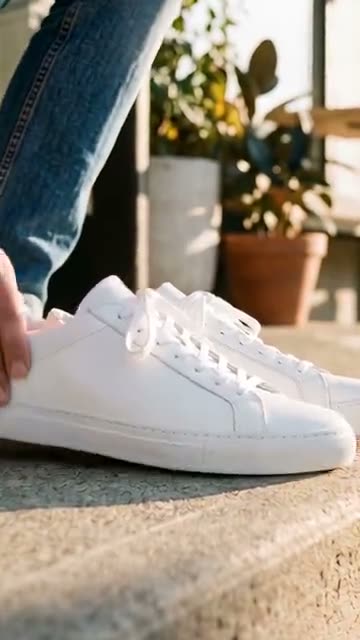
Short clips of your product in use, made from your product photo without changing it, for the lines that name it.
The edit
Cutaways on those lines, captions under the face, the ask on screen at the end, music that drops under the voice, -14 LUFS, a silent copy and a cover.
Straight from a real run of the workflow.
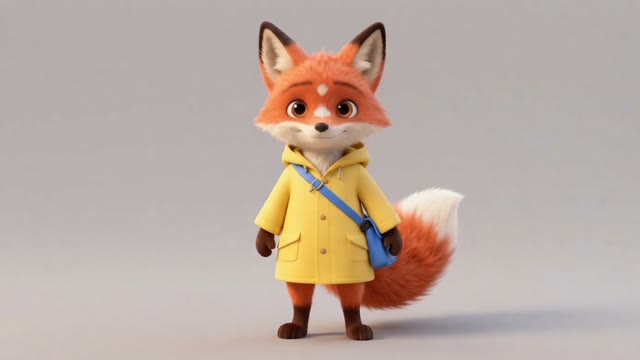
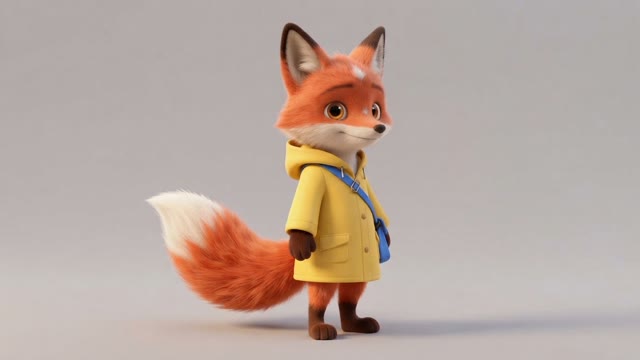
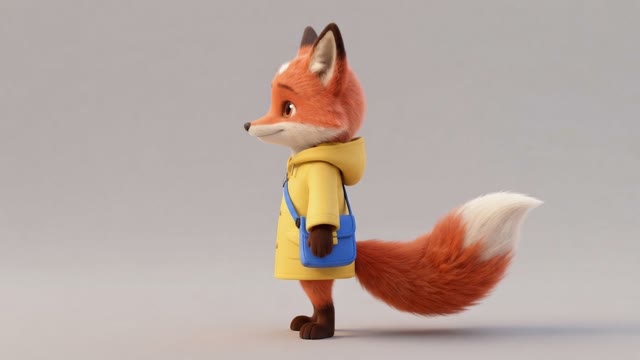
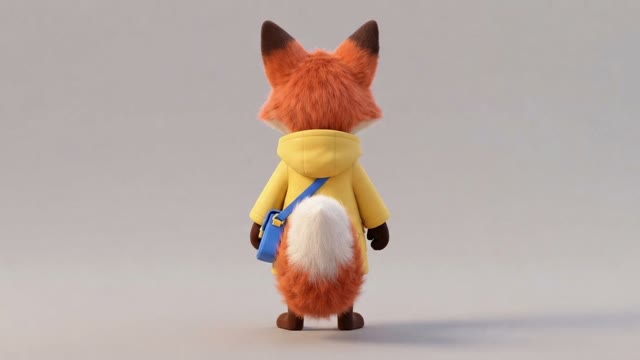
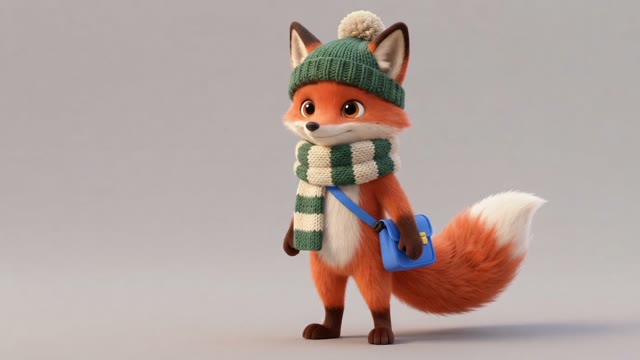
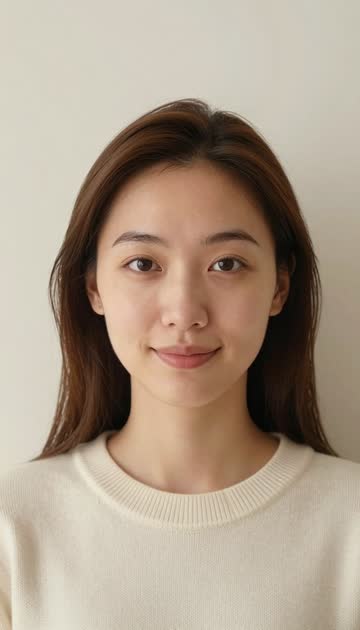
The presenter, generated
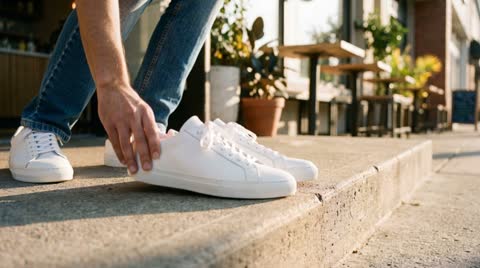
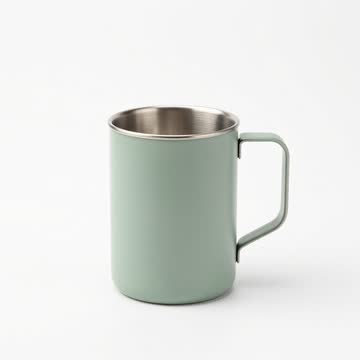
The product photo
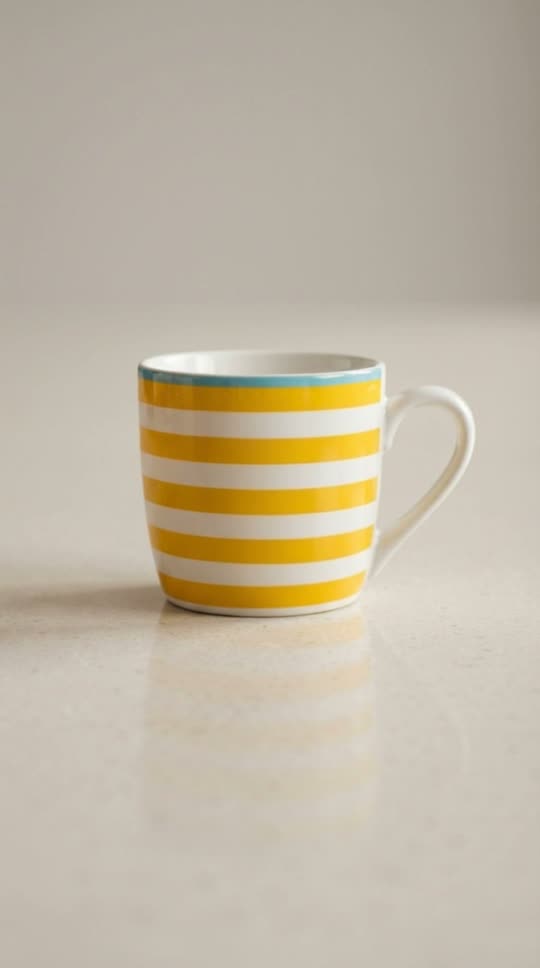
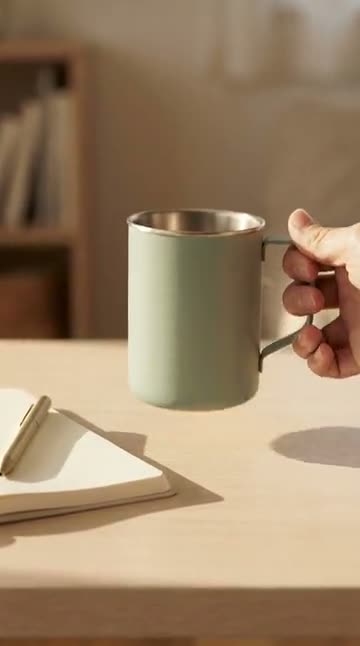
A product shot for a cutaway
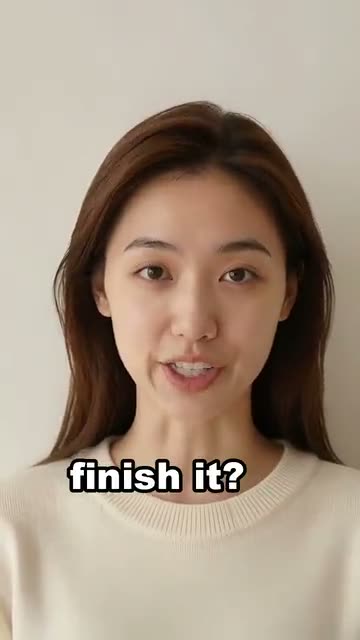
The finished ad, shown silent
A tiny hummingbird hovers at a bright red flower, slow motion, warm morning light
Say what you want: the workflow picks the tool and settings and makes it.
From a one-line idea to a titled short film: script, shots, motion and sound.
One photo in, a few moving versions out: effects and a natural animation.
Redraw a photo, or one of your Luma videos, in a new style, side by side.
Five to ten photos become a short recap with transitions, ready for your own music.
A vertical clip built to grab attention in the first second, with an optional loop.
Keep one character looking the same across angles, outfits and scenes.
Clean up a product photo, then make short vertical and square motion clips.
One video in, a copy for every feed out: the subject whole in each shape, sharpened, and checked.
Connect Luma in under a minute, then ask for your first picture or clip.