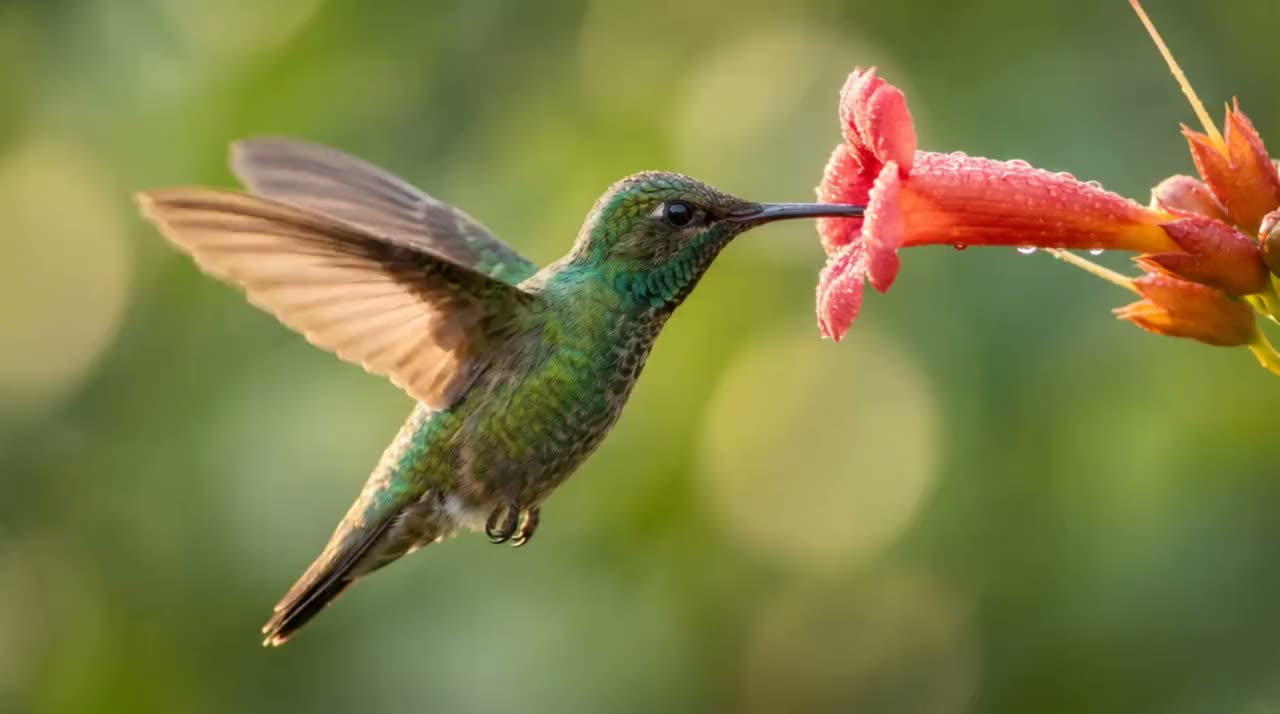
A tiny hummingbird hovers at a bright red flower, slow motion, warm morning light
Make anything with Luma
Say what you want: the workflow picks the tool and settings and makes it.
Claude Code command: /luma:generate


Connect Luma to Claude
Add Luma once and sign in to your Luma account. It takes under a minute.
Start the workflow
In Claude, ask for it in plain words or press Try in Claude to open a chat with the prompt already in it. In Claude Code with the Luma plugin, type /luma:every-feed.
Get the result
Claude makes it right away with your Luma credits, at the same prices as on luma.ai, and shows you the result in the chat. Your balance is on your Luma account page.
Where it runs
Reels, TikTok and Shorts are vertical, a feed post 4:5, YouTube and a website landscape. Only the shapes your video is not already.
The crop that holds it
Crops tried across the frame at the start, middle and end, so the subject stays whole as it moves, clear of the app’s buttons.
Sharper where it counts
Enhance on the copies that will be seen big, at the quality you pick or the default.
Reframe, carefully
Only for a small change of shape. Reframe draws what was never filmed, so every copy is checked for invented people, faces and signs.
A copy for each place
Each file named for where it goes, with a cover frame and a silent copy where the app adds the sound.
Straight from a real run of the workflow.
The landscape source
Vertical: a moved crop, enhanced
Feed post, 4:5
A tiny hummingbird hovers at a bright red flower, slow motion, warm morning light
Say what you want: the workflow picks the tool and settings and makes it.
From a one-line idea to a titled short film: script, shots, motion and sound.
One photo in, a few moving versions out: effects and a natural animation.
Redraw a photo, or one of your Luma videos, in a new style, side by side.
Five to ten photos become a short recap with transitions, ready for your own music.
A vertical clip built to grab attention in the first second, with an optional loop.
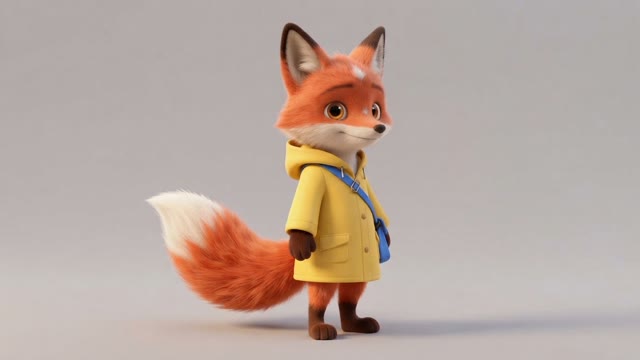
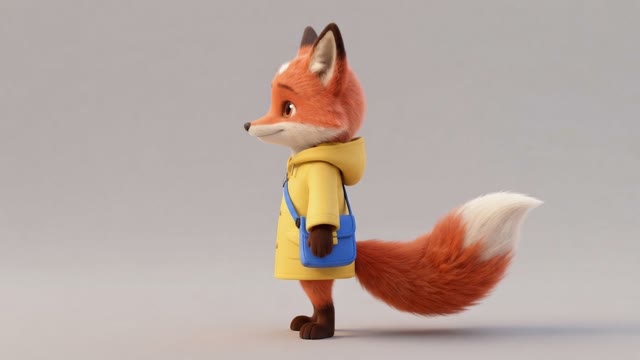
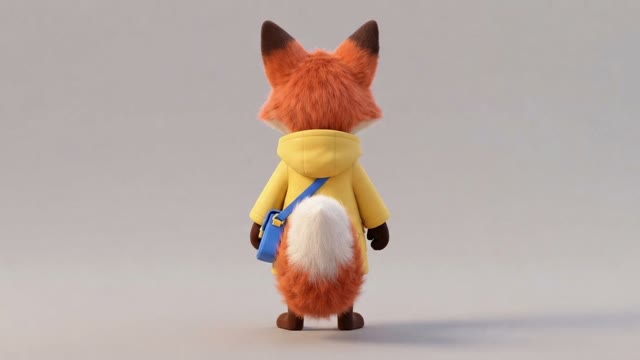
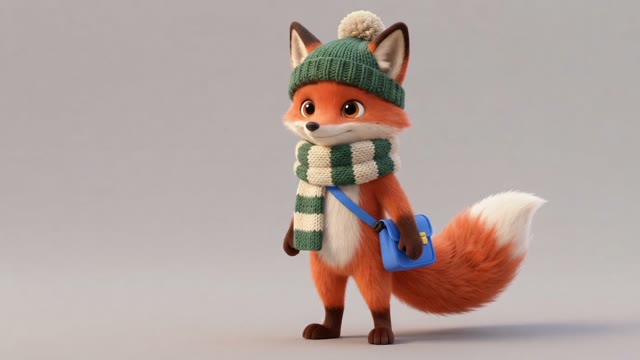
Keep one character looking the same across angles, outfits and scenes.
Clean up a product photo, then make short vertical and square motion clips.
Your face, your voice and your product become a captioned vertical ad with product shots and music.
Connect Luma in under a minute, then ask for your first picture or clip.